How tables work
Most browse pages — Components, PCBs, Base Pedals, Manufacturers, and the tables inside detail pages — share the same controls. Learn them once and every list behaves the same. (Shown on the Base Pedals table.)
Search, filter & sort
Above every table sit a search box and one or more filters; the column headers sort.
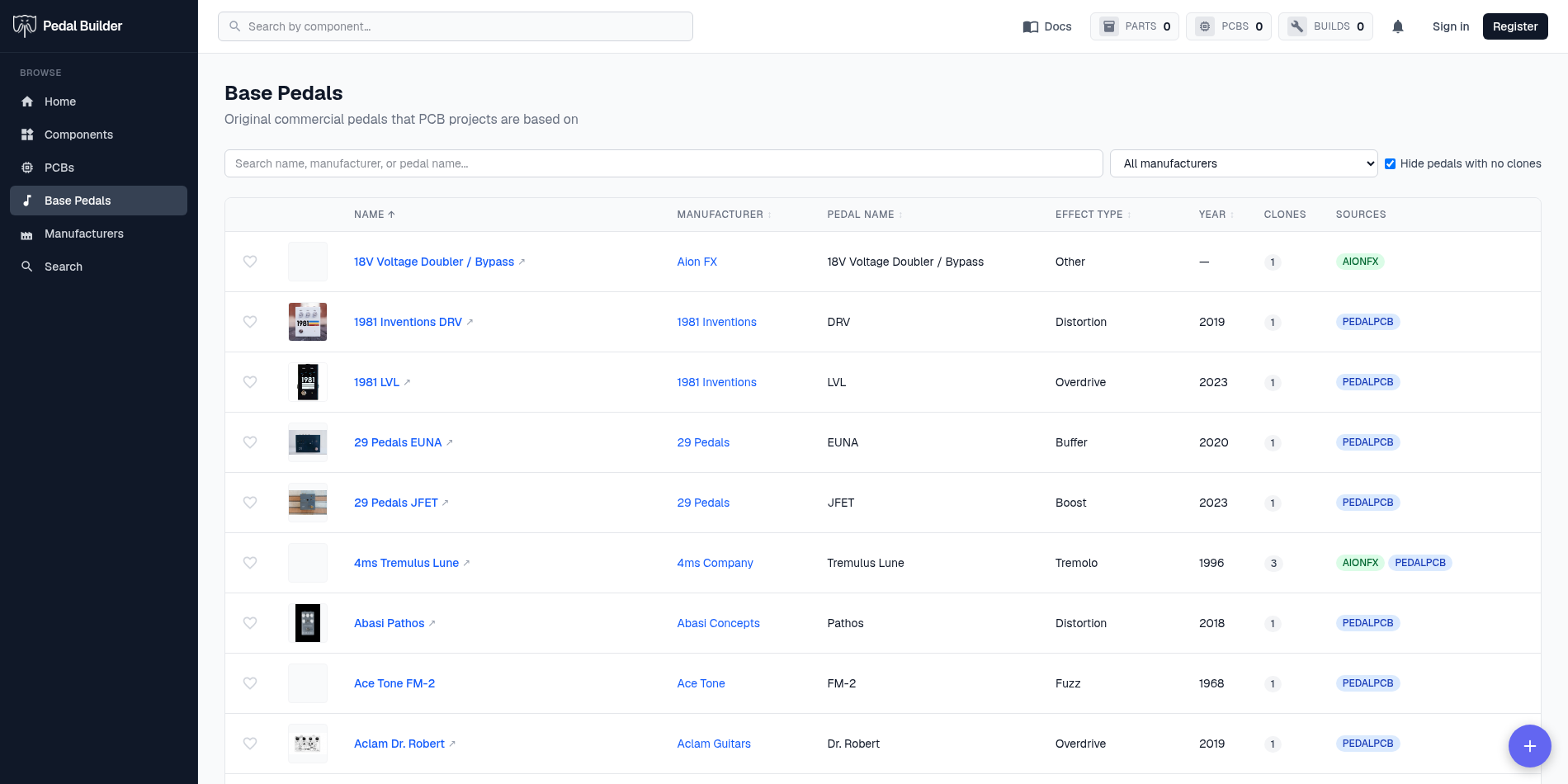
- 1Search — Type to narrow the list as you go.
- 2Filters — Dropdowns (and sometimes a checkbox) restrict the list — by type, source, manufacturer, and so on. Each page carries the filters that make sense for it.
- 3Sortable headers — Click a column header to sort by it; click again to reverse (the little arrow shows direction). Not every column is sortable.
- 4Open the item — Click the main item’s name (the link) to open its detail page — the row itself isn’t the link.
Count & paging
The bottom of the table tells you how many items match and lets you move through them.
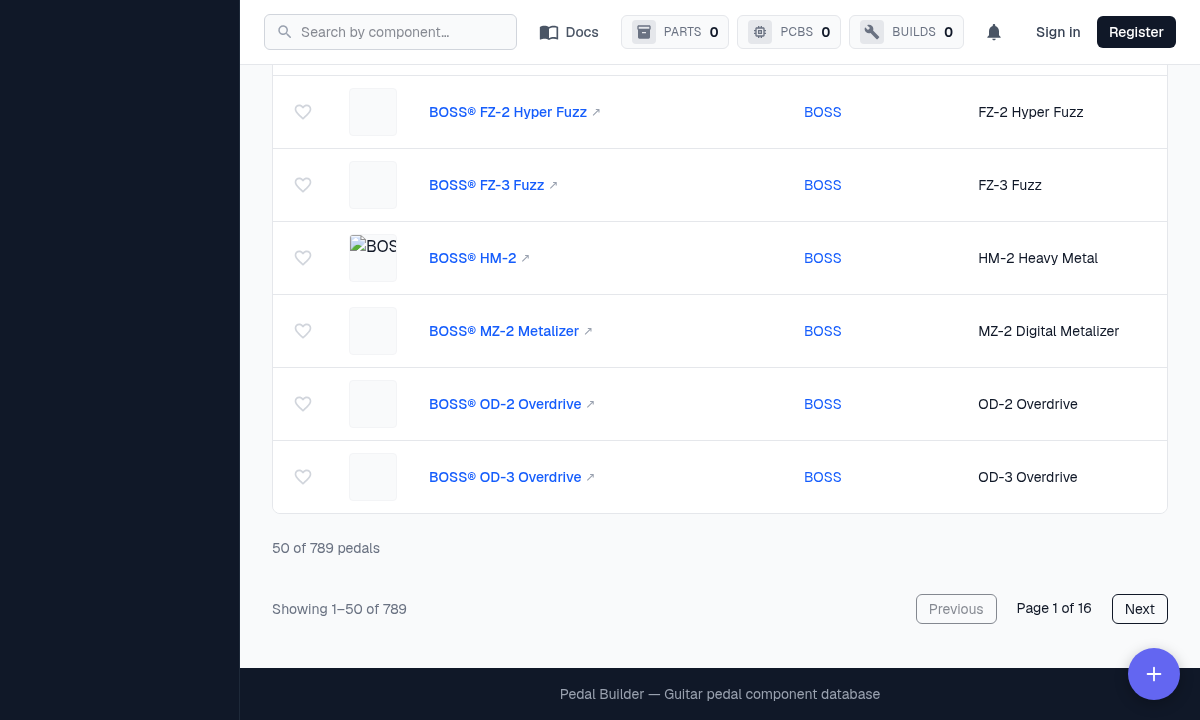
- 5The count — “Showing 1–50 of N” — how many items match your current search and filters, and which slice you’re viewing.
- 6Previous / Next · Page X of Y — Step through the results a page at a time.