Home page
The home page is the front door. It explains what Pedal Builder does and lets you jump straight into a reverse component search.
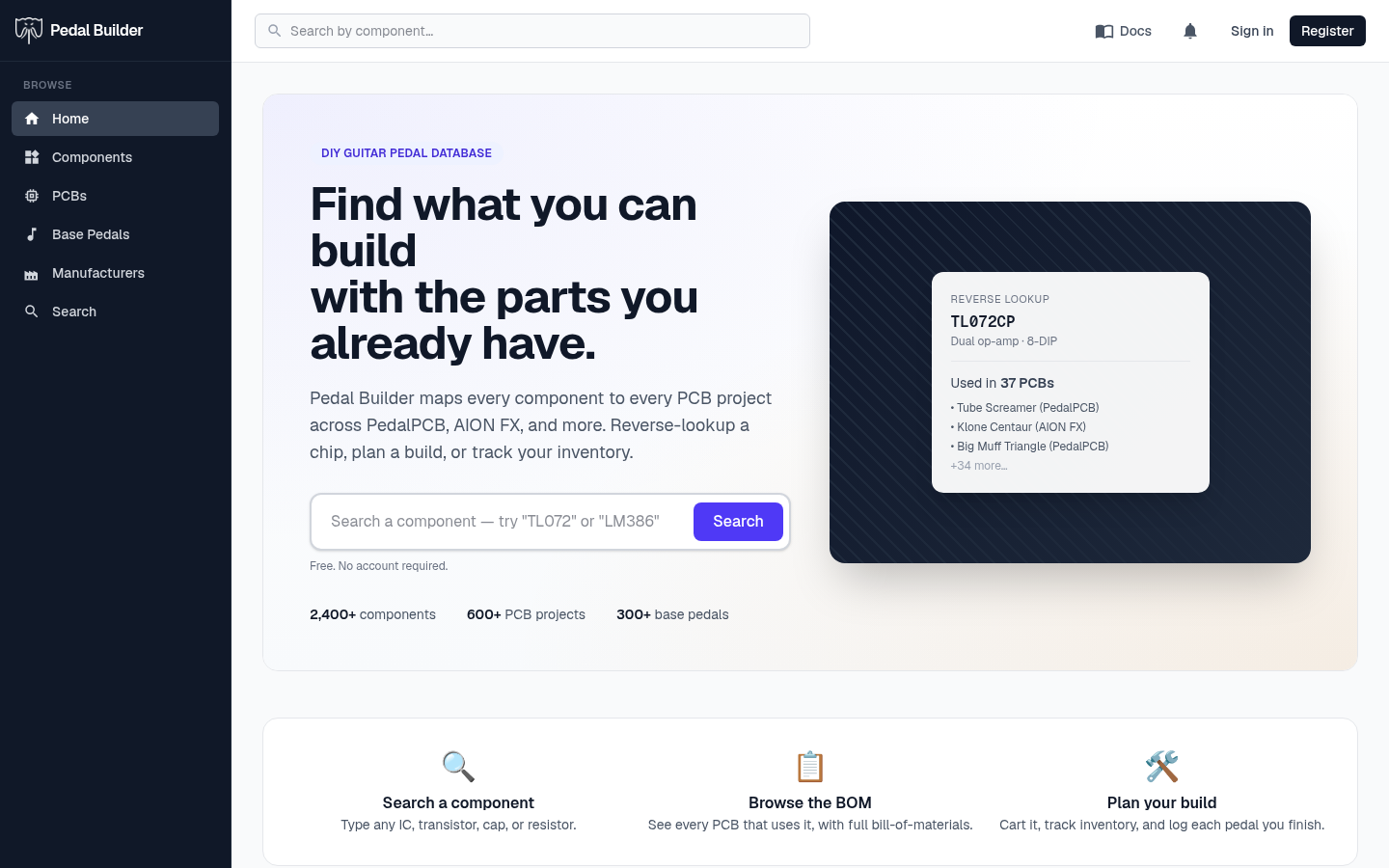
What you can do here
- Type a component (like TL072 or LM386) into the large search box and press Search to see every PCB that uses it.
- Skim the headline stats for how many components, PCB projects, and base pedals are in the database.
- Read the three tiers — Free, Account, and Premium — and the comparison table to see what each one unlocks.
- Use the call-to-action buttons, which change with your sign-in state, to create an account, sign in, or jump to your tools.
Good to know
- Signed out: Create account / Sign in buttons.
- Signed in (Account): the buttons switch to Favorites and Cart.
- Premium: the buttons point to your Inventory and Builds.
Tips
- You never need an account to search or browse — the whole database is public.