Base pedals
Base Pedals is a directory of the original commercial pedals that DIY projects are based on — and how many clones each one has. Use it to go from “I want that famous pedal” to “here’s a board I can build.”
The page, annotated
Search and filters sit above the table; each pedal is one row. The numbers map to the notes below.
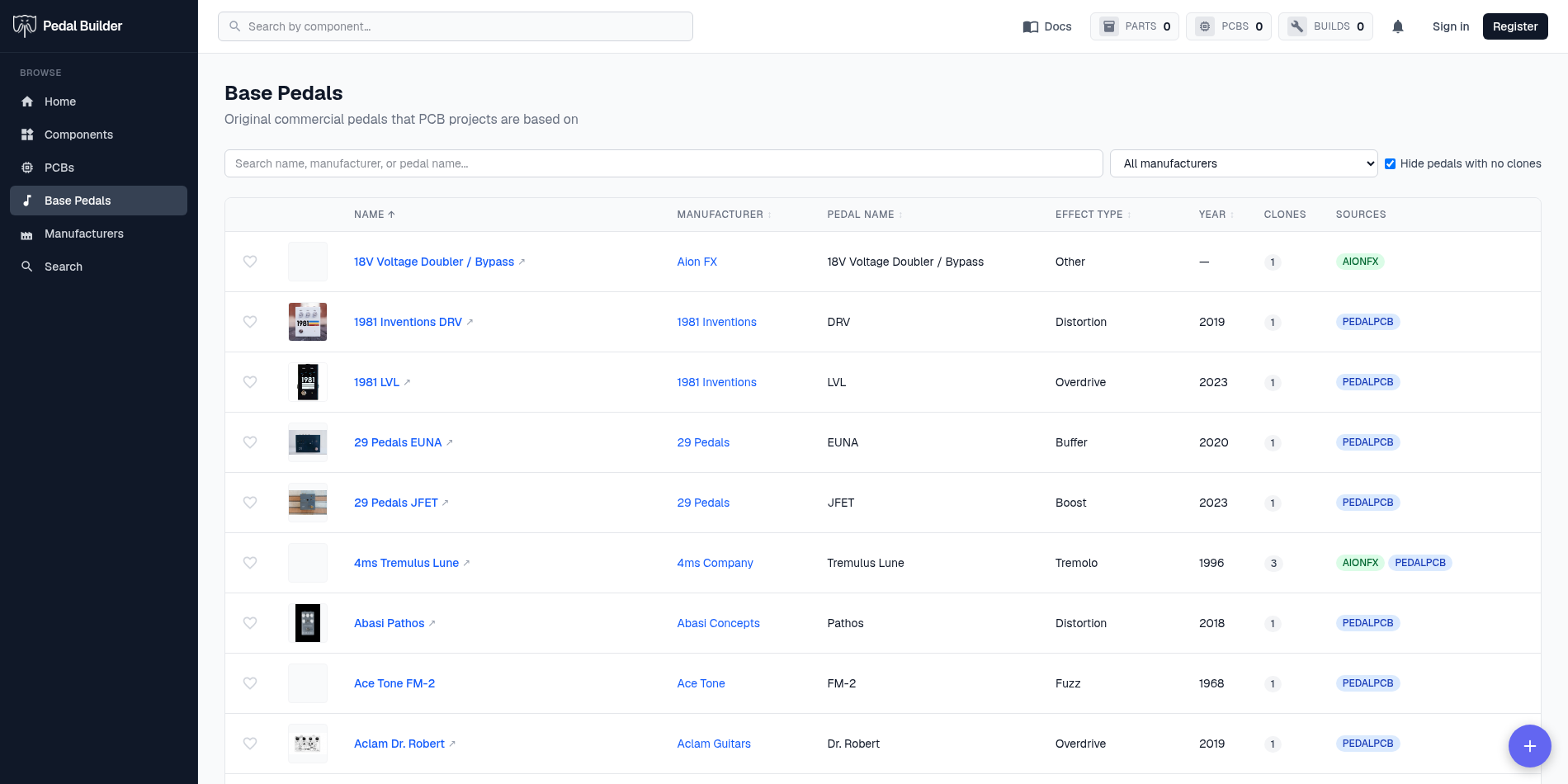
- 1Search — Match by pedal name, manufacturer, or model.
- 2Filter by manufacturer — Narrow to one brand; the number beside each is how many of its pedals are listed.
- 3Hide pedals with no clones — On by default, so the list only shows pedals that actually have a DIY board. Untick it to see every commercial pedal in the database (the count jumps accordingly).
- 4Columns — Name, Manufacturer (links to the maker), Pedal Name, Effect Type, Year, Clones (how many DIY PCBs clone it), and Sources (which sites those clones come from). Click Name, Manufacturer, Pedal Name, Effect Type, or Year to sort.
- 5A row — Click the pedal name to open it and the PCB projects that clone it; the heart favorites it.
The footer — counts & paging
How many pedals match and where you are sits at the bottom of the table.
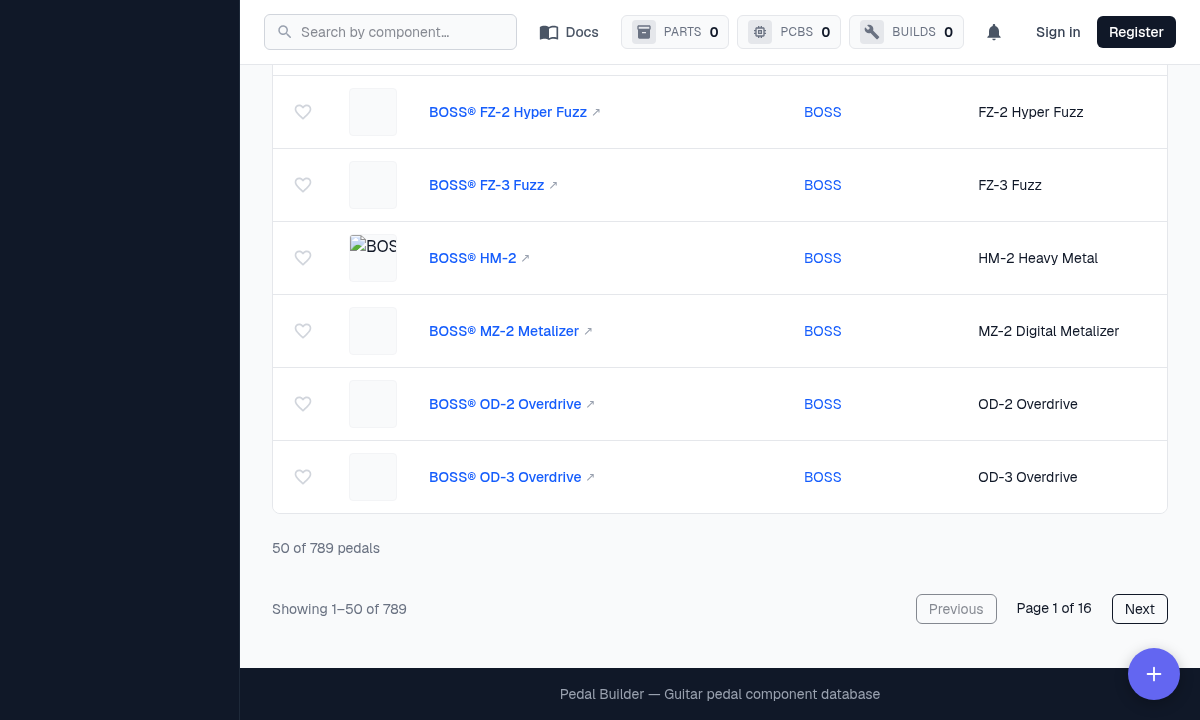
- 6The count — “Showing 1–50 of 789” — the number of pedals matching the current filters (with “hide no clones” on).
- 7Previous / Next · Page X of Y — Step through the list a page at a time.