A shared build
A shared build’s public profile — the read-only page each gallery card links to. It shows the build off (photos, the builder’s notes, the PCB it’s built from, status) without exposing the owner’s private slot-by-slot workshop view. This one is Circuit Queen’s completed Circulator.
The public build page
Photos and the write-up on the left; the builder and at-a-glance facts on the right.
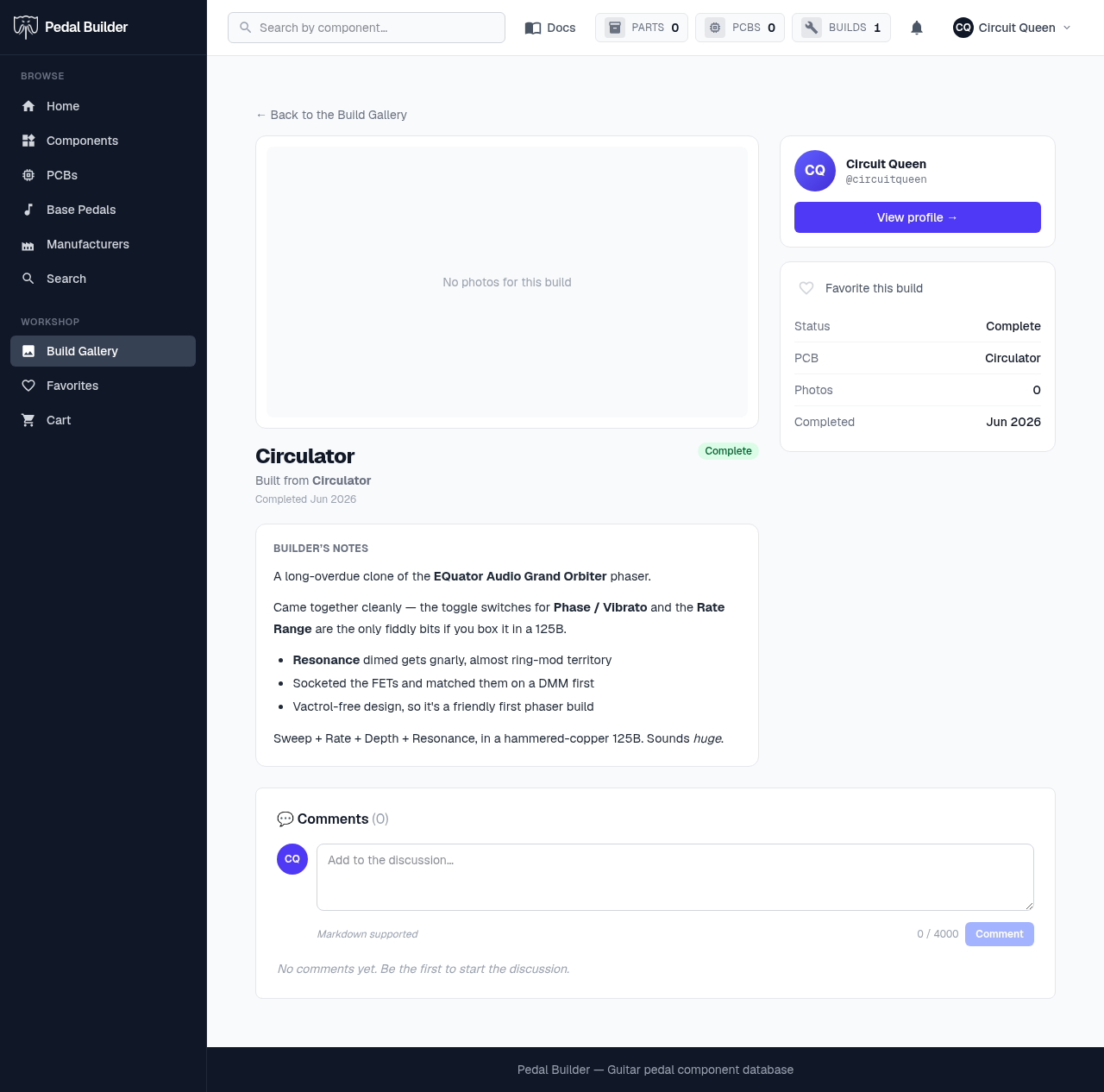
- 1Photos — The builder’s photos, with thumbnails to switch between them. A build shared without photos shows this “No photos for this build” placeholder.
- 2Title, PCB & status — The build’s name (or the PCB name if it’s untitled), what it’s “Built from” (the PCB project), the status badge, and when it was started or completed.
- 3Builder’s notes — The builder’s write-up, rendered from Markdown — bold, bullet lists, and links all work.
- 4The builder — Who made it. “View profile →” opens their public page and the rest of their shared builds.
- 5Favorite & at-a-glance — Favorite the build, and read the quick facts: status, the PCB(s), photo count, and the completion date.
- 6Comments — Ask the builder a question or leave a note — the same comment system used across the site (signed-in to post).
Good to know
- Public, read-only: anyone signed in can view it. The owner’s private parts list and inventory stay in their own Builds section — never shown here.