Kits
Kits are reusable named groups of components — the off-board hardware you install the same way on every build (jacks, footswitch, battery snap) or a swap you always make. Build your own or browse the public catalog, then drop a kit into any build instead of picking each part by hand.
The kits catalog
Public kits anyone can use, plus your own private ones.
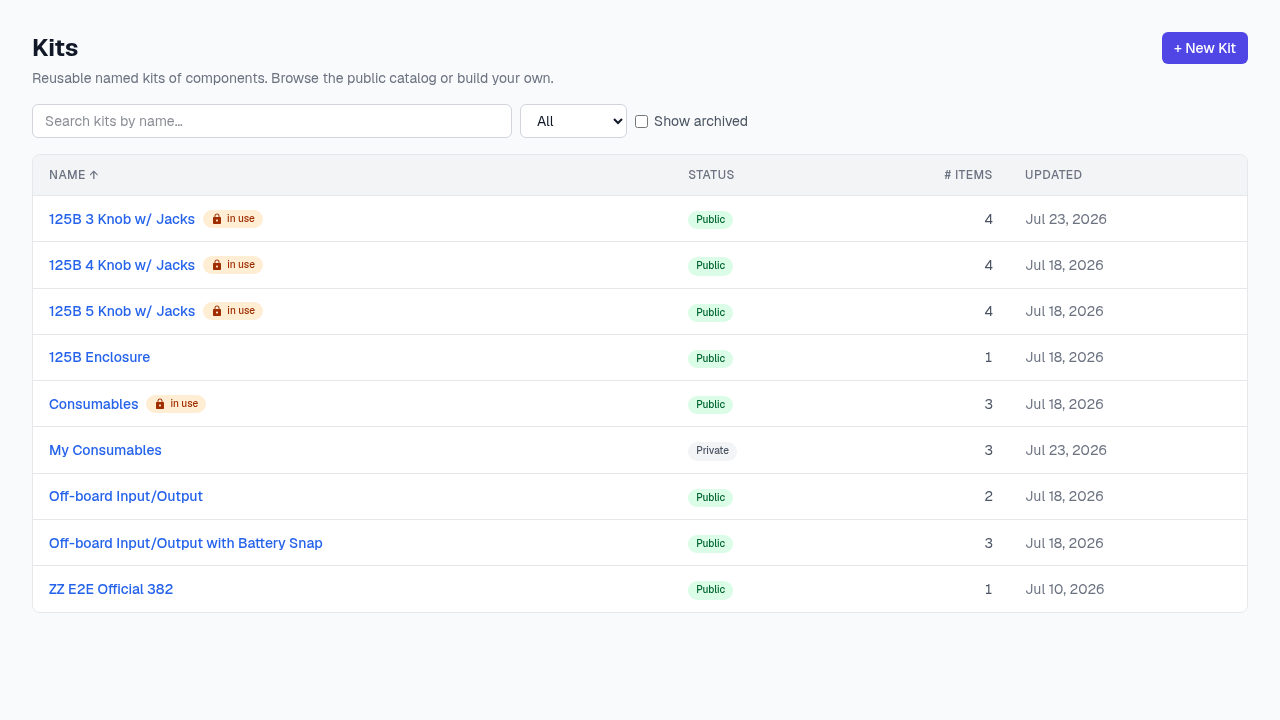
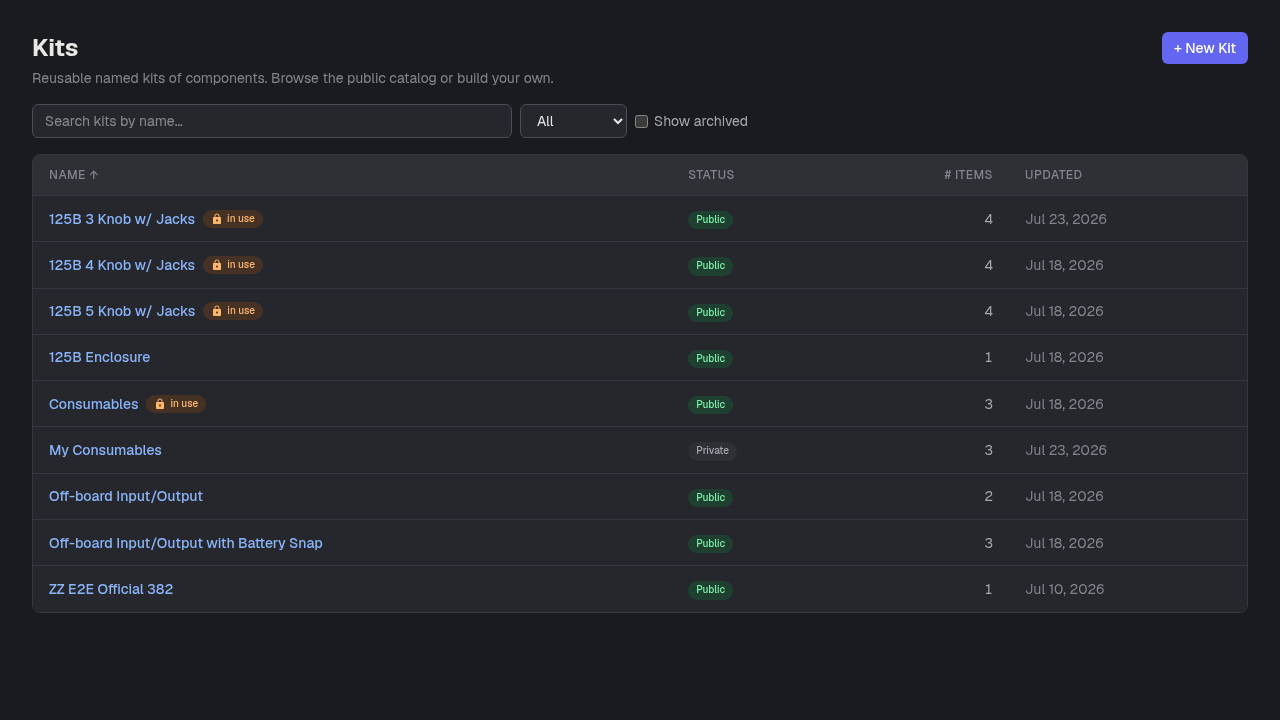
- 1+ New Kit — Create a kit — name it, describe it, and optionally propose it to the public catalog right away.
- 2Scope filter — All / Public / Private / Proposed — narrow the list to just your own kits or the shared catalog.
- 3“in use” — A kit currently installed in a build is locked — its item list can’t change until it’s removed from every build using it.
- 4Status — Private (yours only), Proposed (submitted for review), or Public (in the shared catalog everyone can use).
Good to know
- Premium feature. Adding items to a kit happens on the kit’s own detail page, reached by clicking its name.