PCB inventory
PCB Inventory tracks the blank circuit boards you have on hand — separate from the components — and shows your in-flight builds per board, so the PCBS badge in the top bar reflects real boards.
Blank boards + in-flight builds
One row per board: stock on the left, build states across, actions on the right.
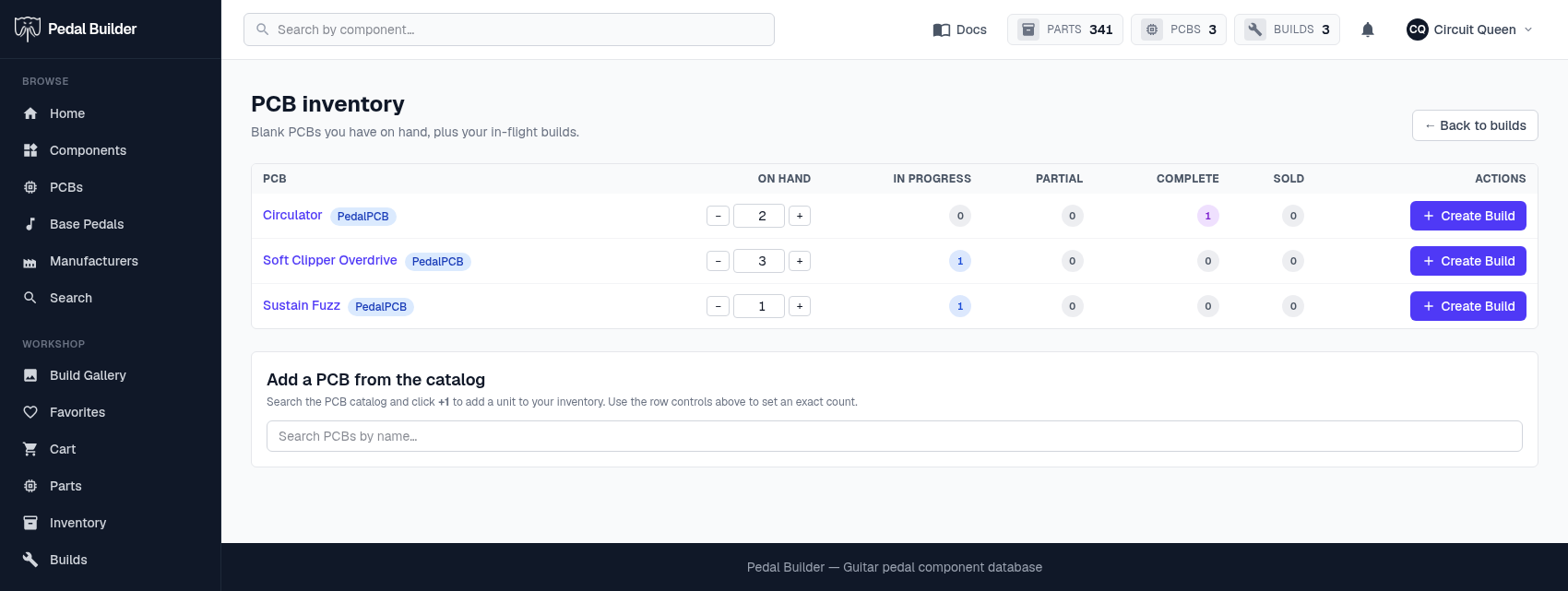
- 1On hand — How many blank boards you have. Use − / + to set the exact count.
- 2Builds by state — Per-board counts of your builds in each state: In progress, Partial, Complete, and Sold.
- 3Create Build — Start a build from this board — it draws one unit from on-hand stock.
- 4Add from the catalog — Search the PCB catalogue and click “+1” to add a board to your inventory.
Good to know
- Premium feature.