Reorder
Reorder flags parts that have fallen to (or below) their trigger point — a stored override, or one the site derives from your recent usage and a supplier’s lead time — so you know what to order before you run out.
What to order, and how much
Pick a horizon and the Order column adjusts to match.
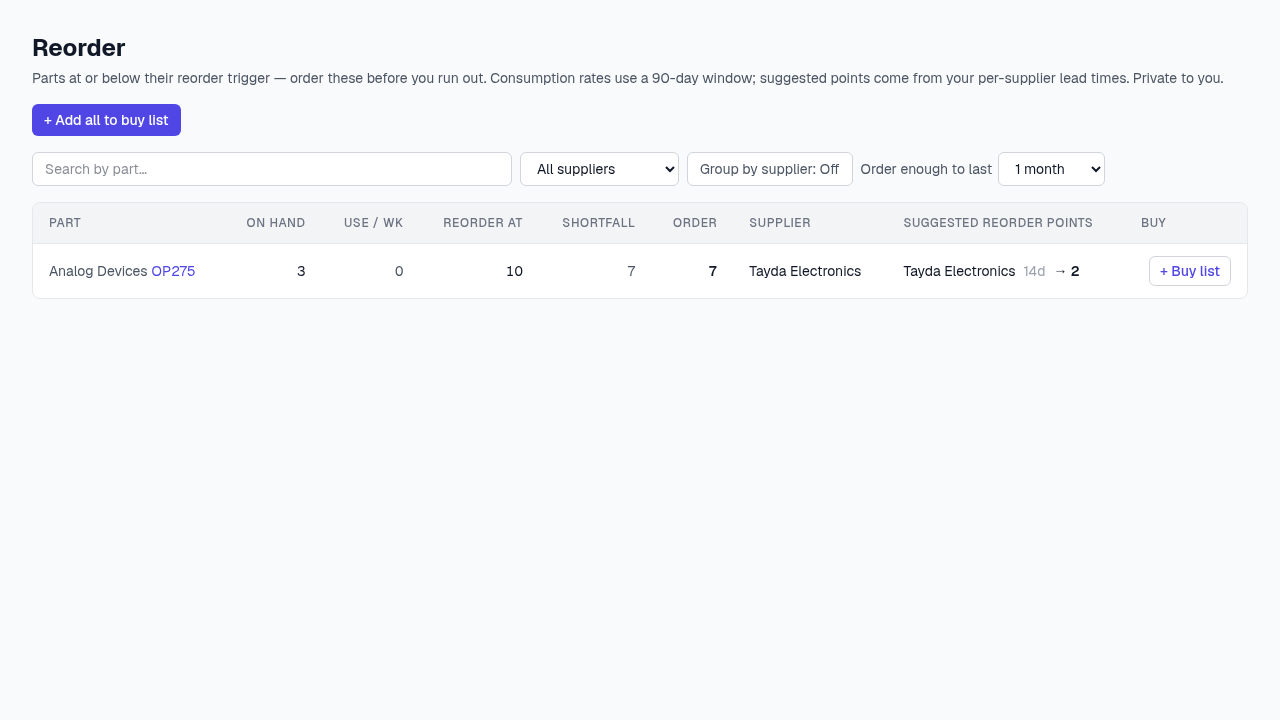
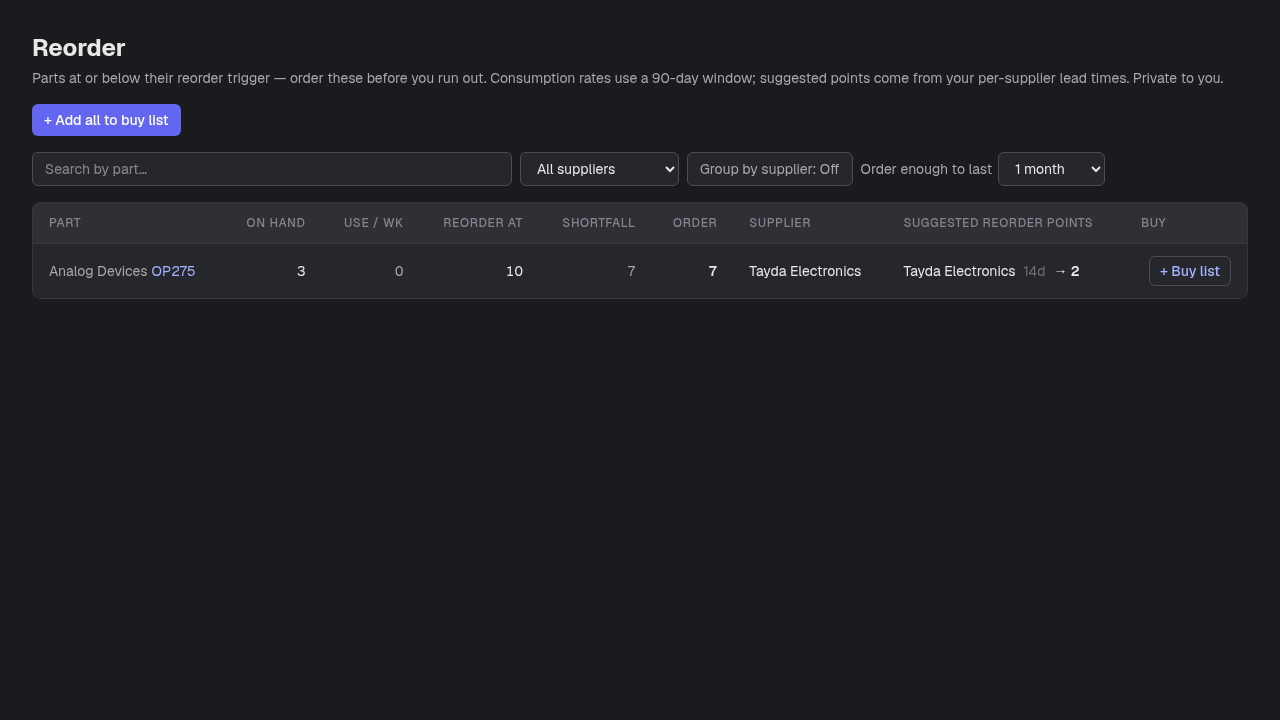
- 1+ Add all to buy list — Sends every row’s suggested order quantity to the buy list in one click.
- 2Order enough to last — The coverage horizon (2 weeks – 6 months) the suggested Order quantity is sized for.
- 3Suggested reorder points — Per-supplier trigger suggestions, each built from that vendor’s lead time — set lead times on the Suppliers page to sharpen these.
- 4+ Buy list — Adds just this row to the buy list.
Good to know
- Premium feature. Consumption rate is measured over a rolling 90-day window, so a part with no recent usage history won’t show a suggestion even if you’re low.