Buy list
The buy list is one running shopping list — add parts and PCBs to it from anywhere on the site (a build’s missing parts, the Buildable page, a reorder suggestion, or by hand), then check out as a recorded purchase when you actually order. It’s a saved snapshot, not a live shortfall — quantities don’t change on their own.
Everything you still need to buy
Search, filter by supplier, and group rows by vendor to plan an order.
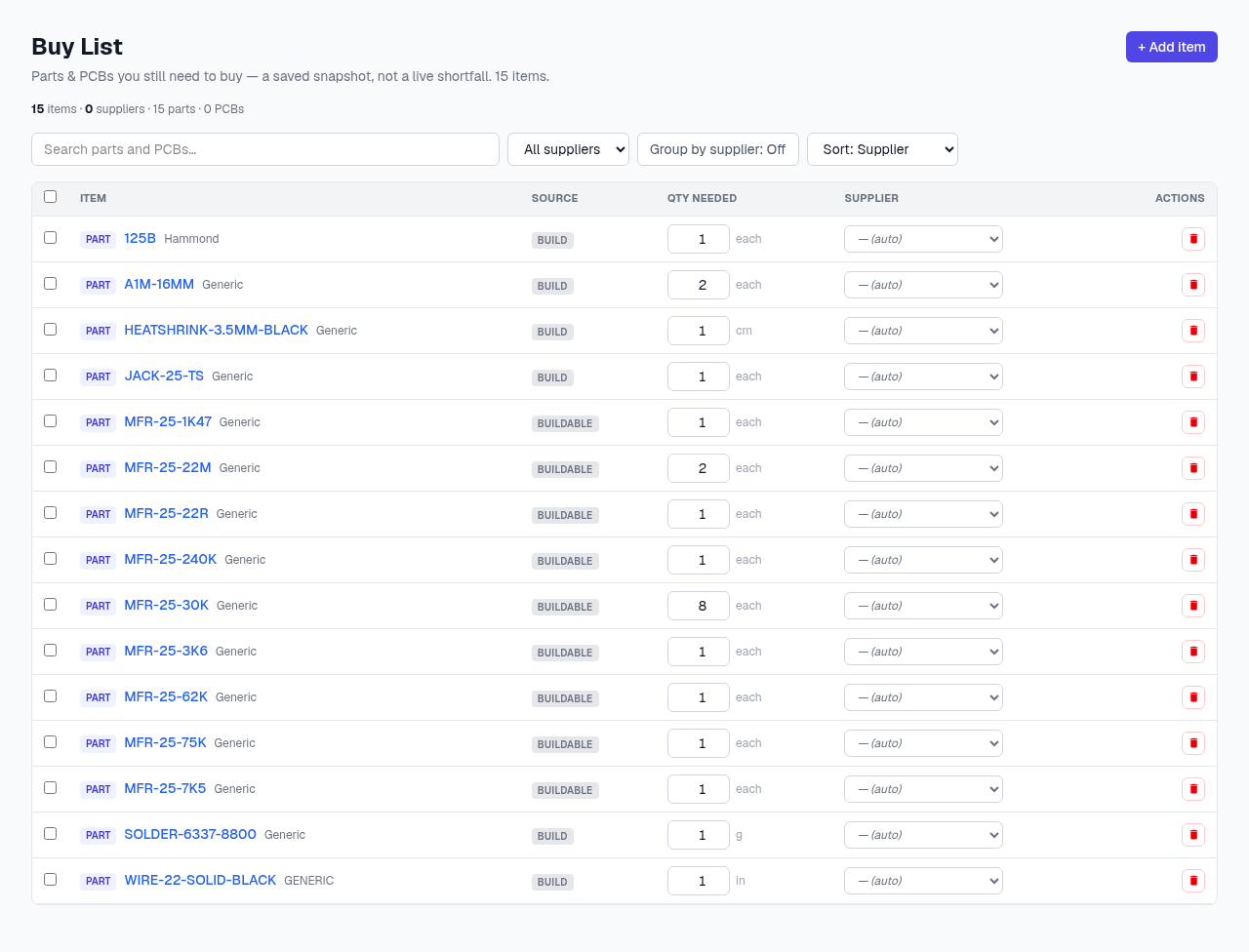
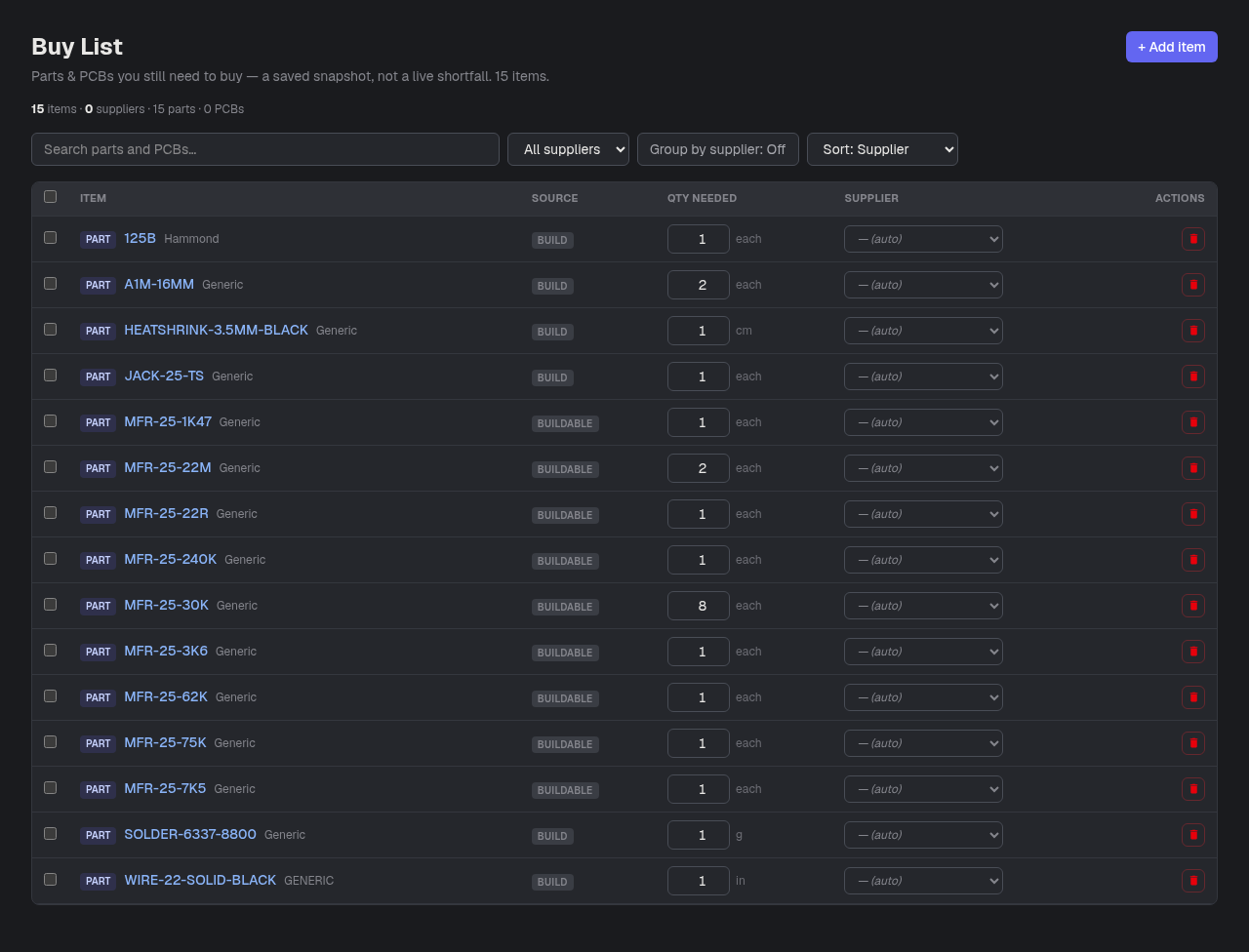
- 1+ Add item — Add a Part or PCB by hand from the catalog picker, with a quantity, unit, and optional supplier and note.
- 2Search — Filters the list by part or PCB name.
- 3Filter by supplier — Show only rows assigned to (or “likely” pointing at) one vendor.
- 4Group by supplier — Switches to a grouped view with a subtotal per vendor — handy right before placing an order.
- 5Source — How the row got here: manual (you added it), cart, reorder, or buildable (a shortfall the site found for you).
What you can do here
- Select rows and “Add Purchase from selected” to jump straight into recording that order
- Export the selected rows to a CSV
- Edit a row’s quantity or supplier inline — it saves as you type
Good to know
- Premium feature. Removing a row here never touches your inventory — only completing a purchase for it does.